
Unity Asset Store
Motion Events Pro
Overview
Motion Events Pro — Animation Event Timeline for Animator
Your animation looks right, The feel still doesn’t.
The footstep is early. The impact sound is late. The hitbox pops a frame too soon. The muzzle flash misses the kick. That tiny timing gap is the difference between “fine” and “this feels amazing.”
Unity’s built-in Animation Events were never built for that kind of work. You’re stuck typing method names, burying events inside clips, and guessing. No proper timeline. No real live scrubbing. Just hope and Play Mode.
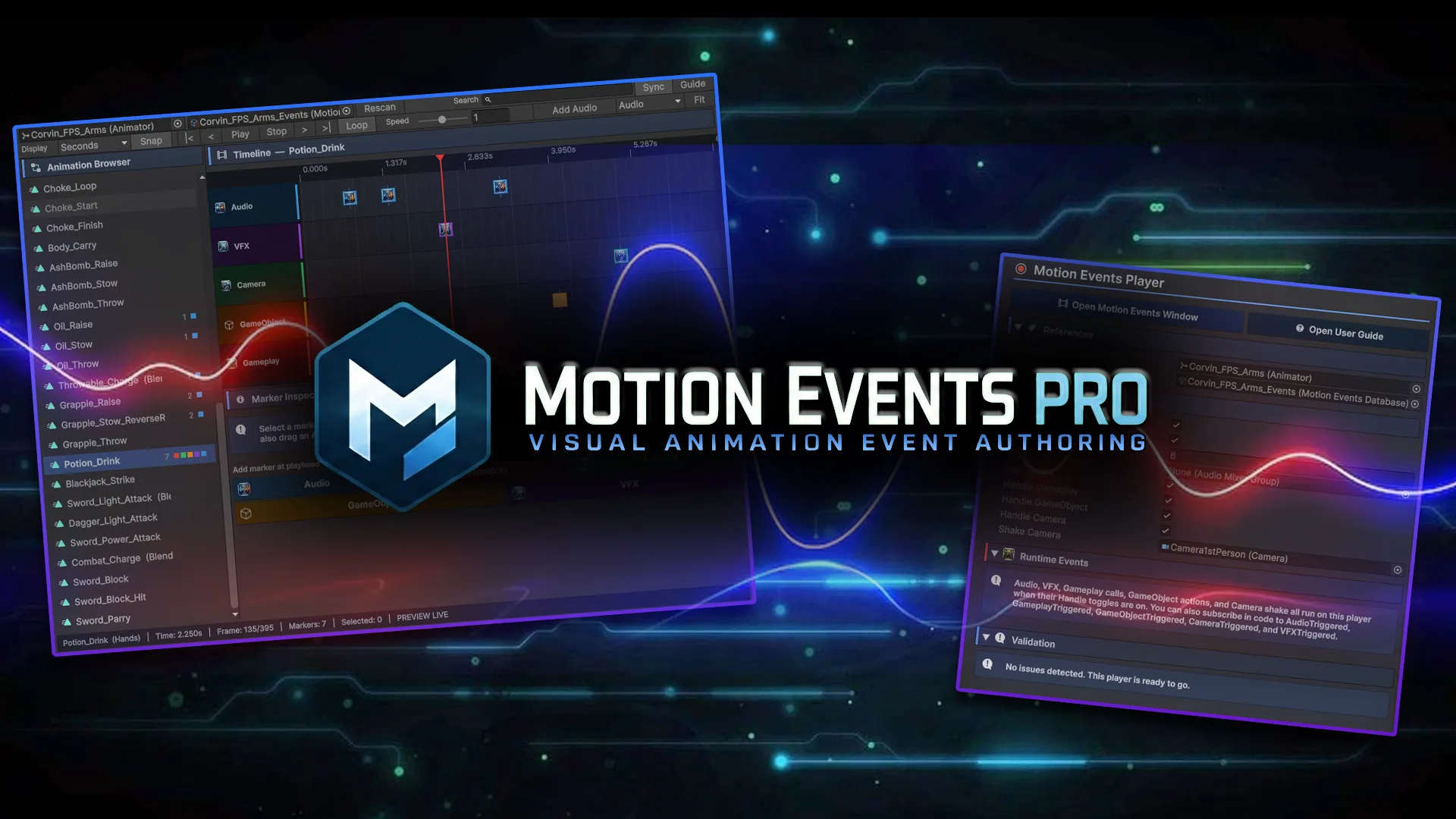
Motion Events Pro is a visual, movie-like editor for animation events. Open the window, scrub any animation in real time, and sync your markers while the animation plays in front of you. Watch the swing, the step, the reload — and drop Audio, VFX, Camera, Gameplay, or GameObject markers exactly where they belong. Nudge them. Play it back. Lock it in.
Works across your Animator states and layers, so you’re not limited to one clip or one setup. If the animation is on the character, you can time events to it. Add one component, and it runs in game.
What you can sync to an animation?
- Audio — footsteps, impacts, whooshes, with variation so repeats don’t sound identical
- VFX — spawn effects on a bone with offset, rotation, and scale
- Camera — punch-in shakes with presets you can tweak
- Gameplay — call methods or flip properties when the frame hits
- GameObject — turn hitboxes, trails, meshes, and lights on or off at the right moment
Setup (As easy as 1,2,3 uhh 4!)
1 - Add Motion Events Player to your character 2 - Assign a database 3 - Scrub the animation and place markers live 4 - Hit Play — it runs
Want your own systems in the loop? Turn off the built-in handling and listen in code.
Why this beats Unity’s Animation Events
Unity’s version feels outdated. String names. Events trapped in clips. No real editor for timing. Hard to reuse. Hard to trust.
Motion Events Pro is built for how people actually polish games: scrub like you’re editing a shot, sync the sound and effects to the animation, and move on. Data lives in a reusable database, not buried in an FBX. Drag a clip or prefab onto the timeline and you’re already working.
If combat feel, footsteps, weapon FX, ability timing, hit windows, or camera punch matter in your game — this is the tool for that.
A full and detailed in-editor manual included.
Demo characters and effects in the store images/video are for showing the tool and are not included in Package Content.
Key features:
- Movie-style visual timeline with real-time scrubbing and editing
- Sync events to any animation / Animator state and layer
- Audio, VFX, Camera, Gameplay, and GameObject markers
- One player component that runs them in game
- Bone pickers for audio and VFX
- Camera shake presets
- Drag-and-drop clips and prefabs onto the timeline
- Optional code hooks for custom handling
Gallery
Click a shot to enlarge.